

What is the difference between Cat5 and Cat6?
- , by Hannibal Tor Nielsen
- 3 min reading time

A network consists of different systems that are linked together and can exchange data with each other. At large internet providers and hosting companies, this exchange of data is done using light. The system used for this is called optical telecommunications, better known as fiber optic. The advantage of fiber optic is that there is theoretically no limit on the bandwidth and speed of the data stream. A lot of data can be communicated internally very quickly. The only bottleneck in this system is the equipment that needs to send the data: the routers and switches.
Products related to this item:
A network consists of various systems that are interconnected and can exchange data. At major internet providers and hosting companies, this data exchange is accomplished through light. The system used for this is called optical telecommunications, better known as fiber optics. The advantage of fiber optics is that there are theoretically no limits on the bandwidth and speed of the data stream. Large amounts of data can be communicated internally very quickly. The only bottleneck in this system is the equipment that transmits the data: the routers and switches.
Cat5 vs Cat6
Using fiber optic cable in a home is actually unnecessary. For example, if you have a media server connected to your television and want to stream an 8K-resolution movie, the required speed is "only" 100 Mbps. A copper Cat5 cable can achieve a speed of 100 Mbps. For this reason, and the relatively high initial cost of fiber optic cable , Cat5 or Cat6 cables are often used in homes. The main difference between Cat5 and Cat6 cables is the speed and the amount of data that can be transferred. Cat6 also has a higher bandwidth than Cat5. You can compare this to a water pipe: a wide pipe can carry more water compared to a narrower pipe.
Example of speed Cat5 vs Cat6 cable
A good practical example of this is when you want to back up your photos. For example, the photos you want to back up have a total size of 10GB (10,000MB).
Imagine you have a computer connected to a NAS, where you want to store the backup. The bottleneck in this situation is the UTP Cat5 or Cat6 cables, not the switches. To calculate this, you first need to calculate the difference between bits and bytes. Data communication is always expressed in bits, and storage in bytes, where one byte equals eight bits.
Situation 1: Making a backup with a Cat5 cable
The computer is connected to the NAS with a Cat5 cable.
The speed of a Cat5 cable is 100 Mbps.
10,000 MB (byte) is 80,000 Mb (bit). 80,000/100 = 800 seconds.
The time required to make a backup, with a total size of 10GB, will be 800 seconds with a Cat5 cable.
Situation 2: Making a backup with a Cat6 cable
The computer is connected to the NAS with a Cat6 cable.
The speed of a Cat6 cable is 1000 Mbps.
10,000 MB (byte) is 80,000 Mb (bit). 80,000/1000 = 80 seconds.
The time required to create a backup, with a total size of 10GB, will be 80 seconds with a Cat6 cable.
As can be seen from the above example, when creating the backup, a Cat6 network cable is ten times faster than a Cat5 network cable .
Also interesting to read:
Tags


Bekijk onze andere blogs
-
, by Jarno Heideman How do you easily set up a home network yourself?
-
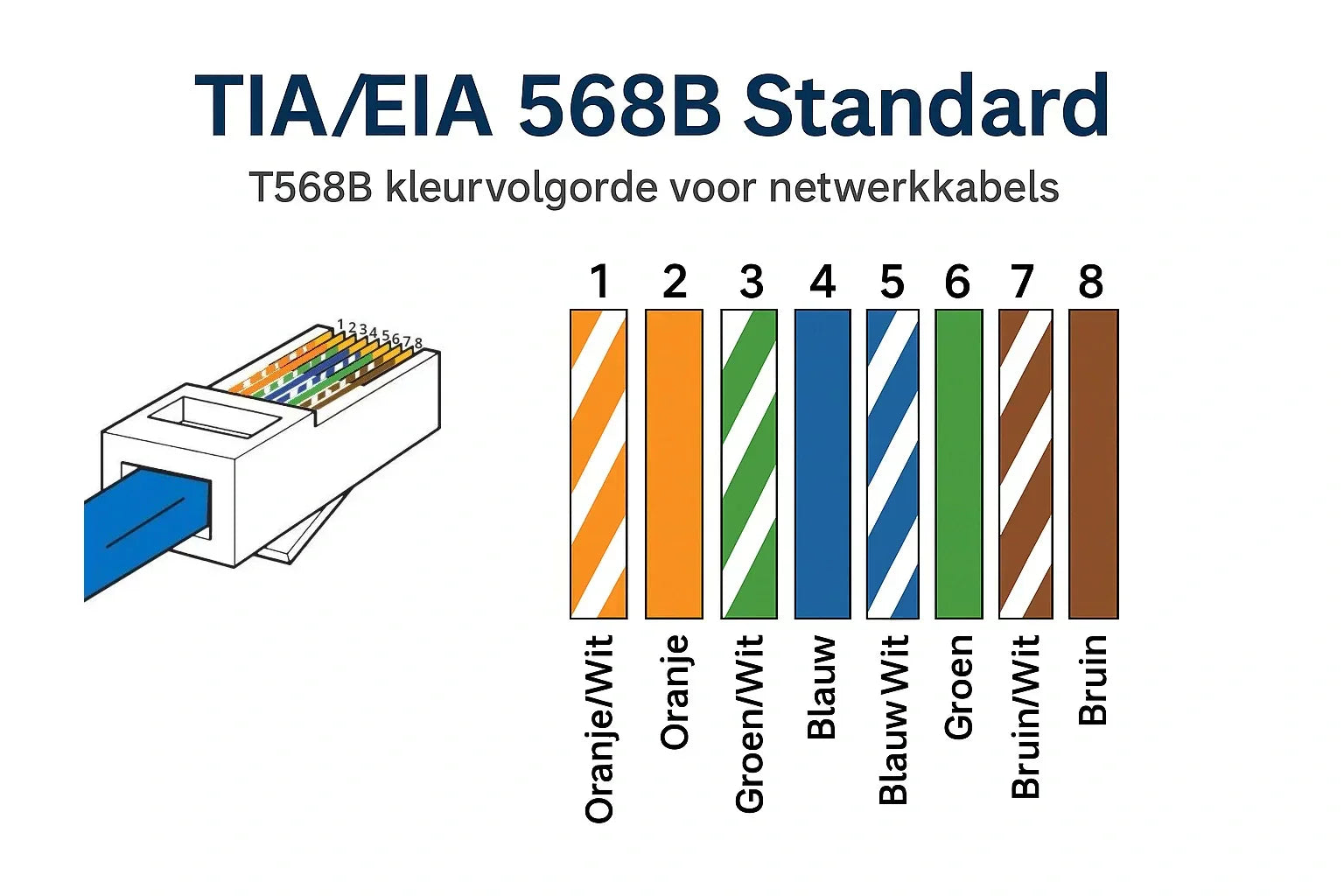
, by Jarno Heideman What are the color codes of UTP cables and how do you use them correctly?
-
, by Jarno Heideman How do you test a UTP cable without making mistakes?
-
, by Jarno Heideman How do you connect fiber optic yourself without any hassle at home?
