
With a Cat5e wall socket you can create a fixed network connection at any desired location. This is useful for spaces where stable internet is important, such as a home office, meeting room or server cabinet. You can easily connect...
Cat5e Modules & Outlets
-
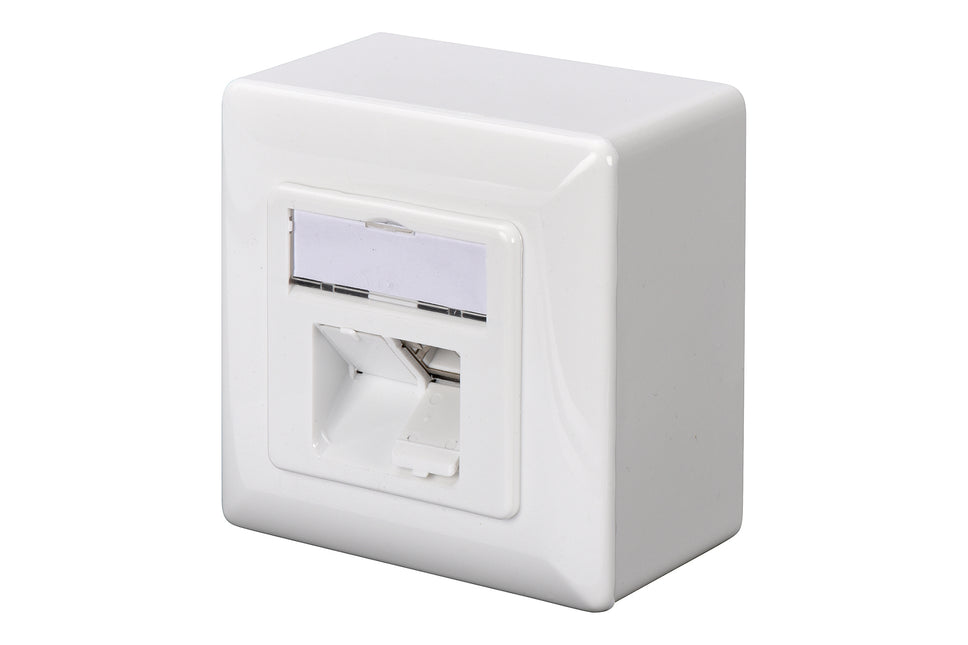
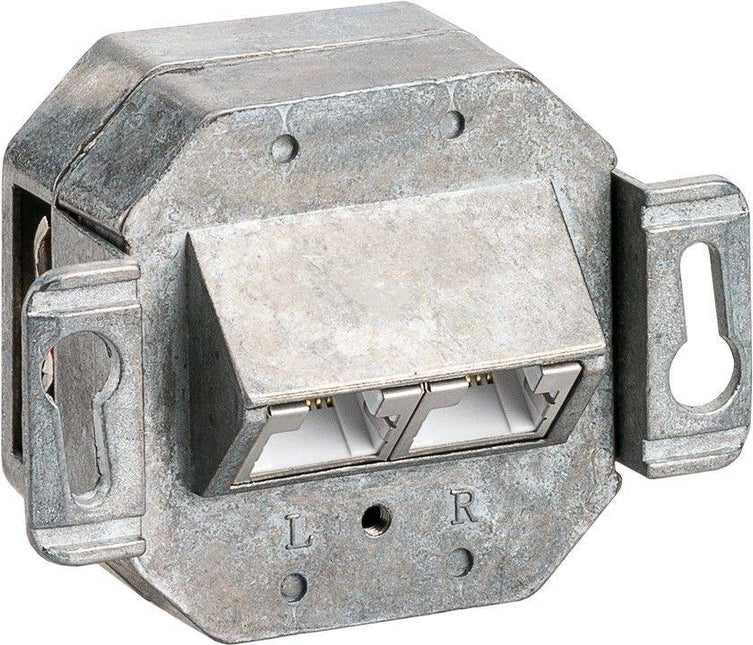
Cat5e Surface Modular Outlet 2x RJ45 Fully Shielded with LSA
10,88 Incl. VAT8,99 Excl. VAT
This Surface Mounted Box is made from metal die cast housing and has a RAL9010 colour. Cat6 applies the Performance Specification ISO/IEC 11801 CLASS E. The Surface Mounted Box is especially made for on and off surface-mounted box and has...
-
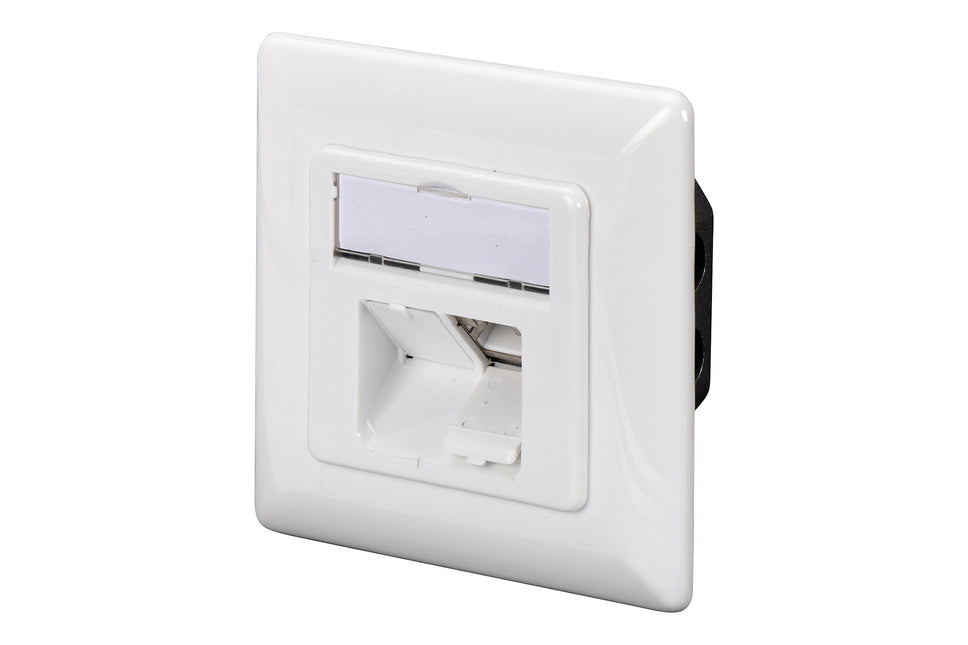
Cat5e Wall Plate Flush Mounting White
9,15 Incl. VAT7,56 Excl. VAT
Cat5e Wall Plate Flush Mounting White
-

Outlet Surface Mounting Box for Faceplates RAL9010 White
1,11 Incl. VAT0,92 Excl. VAT
Surface mount boxes are ideal for when in-wall box and wire installation is not an option. LogiLinks universal surface mount housing for individual configuration of LogiLink surface outlets, 80 x 80 mm. Converts your flush mount face plate (UP wall...
-


Surface-mounted housing for flush-mounted boxes – 80x80mm (RAL 9003)
2,24 Incl. VAT1,85 Excl. VAT
Cat5e / Cat6 surface mount box Highlights & details Surface-mounted box 80 x 80 x 40 mm Suitable for keystone outlets Suitable for Cat5e / Cat6 outlets White


With a Cat5e wall socket you can create a fixed network connection at any desired location. This is useful for spaces where stable internet is important, such as a home office, meeting room or server cabinet. You can easily connect your devices and work without interference or loose cables.
What a cat5e wall socket is and what you use it for
A Cat5e wall socket is a connection point for network cables in the wall. This allows you to connect devices such as computers, printers or access points to your network. The connection is made via an RJ45 connector. This ensures a stable and fast connection, especially useful if Wi-Fi does not offer sufficient range or speed.
Types of cat5e wall sockets for every situation
There are flush-mounted and surface-mounted models. Flush-mounted boxes are neatly concealed in the wall, while surface-mounted boxes are placed on the wall. You can also choose between UTP (unshielded) and STP (shielded), depending on the environment and the risk of interference. Pay attention to the number of ports and choose one or two connection points, depending on your requirements.
Installing a cat5e wall socket step by step
You connect a wall socket using an LSA punch tool. This presses the wires of the network cable onto the terminal block in the correct order. Follow the color scheme on the socket, usually T568A or T568B. Use a network tester to check that everything is working properly. Do you want to work without tools? Then use keystone modules.
Differences between cat5e and cat6 wall sockets
Cat6 supports higher data rates and is better suited for networks with high traffic or longer cables. For normal use in a home or small office, Cat5e is sufficient. If you expect more load or want to be prepared for the future, Cat6 is a good choice.
Frequently asked questions about cat5e wall sockets
Can I use Power over Ethernet with a Cat5e wall socket?
Yes, then choose a model that is compatible with IEEE 802.3af or 802.3at.
What is better, an LSA connector or a keystone module
LSA is cost effective and stable, keystone is quick and easy to replace.
When do I choose a shielded connection?
STP is recommended for many electrical appliances or in a patch cabinet.
What do I do if the connection does not work?
Check the order of the wires and use a network tester.