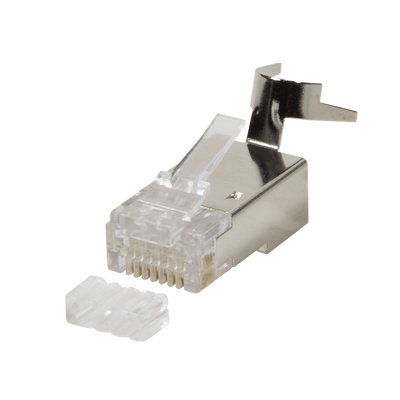
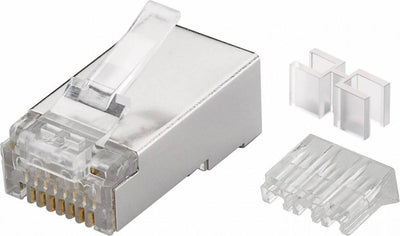
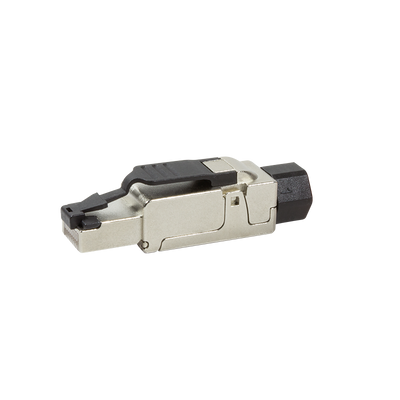
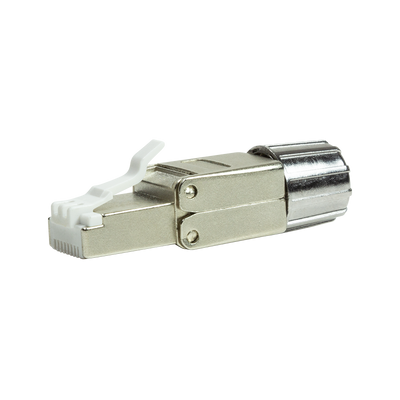
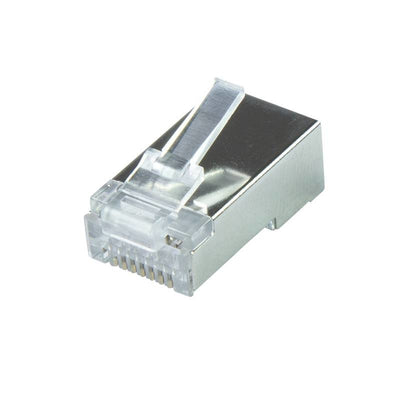
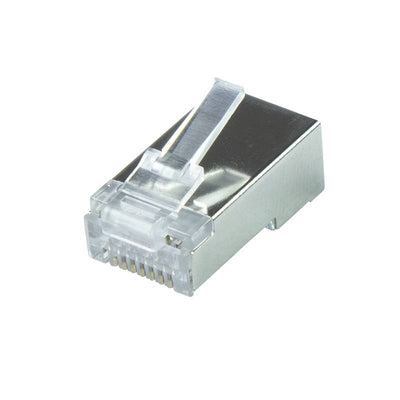
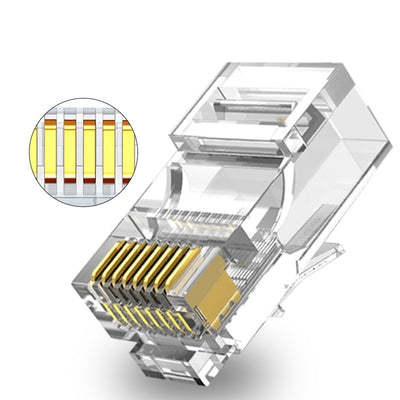
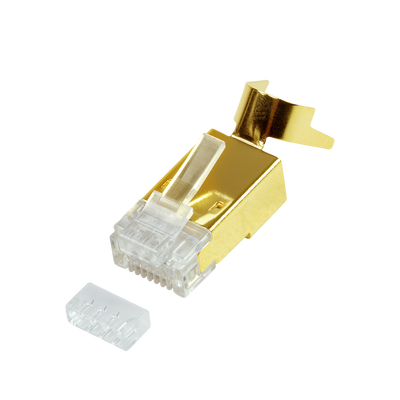
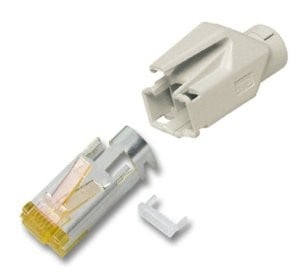
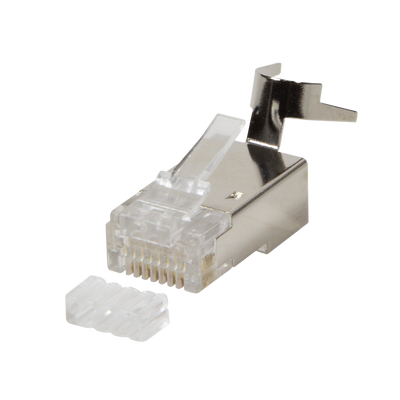
- CAT6a / CAT7
- STP (shielded)
- Solid core (AWG 22 - 24)
Cat6a Plugs
A reliable network connection starts with the right connector. The Cat6a connector is specially developed for stable connections up to 10 gigabits per second and is suitable for both home networks and professional installations.
What a Cat6a connector is
A Cat6a connector is the connection between a network cable and, for example, a router, switch or wall socket. This connector works optimally in combination with Cat6a cables and ensures high speeds and minimal interference. Thanks to the improved shielding, it is resistant to electromagnetic influences.
Difference between Cat5 Cat6 and Cat6a
Each category of cable and connector has its own characteristics. Cat5 is suitable for networks up to 100 megabit. Cat6 supports gigabit networks up to 1 gigabit per second and is suitable for shorter distances. Cat6a is the improved version with support up to 10 gigabits per second over 100 meters. The shielding is also better, which ensures a more stable signal at higher speeds. This makes Cat6a particularly suitable for busy network environments or business applications.
What Cat6a connectors are there?
There are several types of Cat6a connectors. This is how you choose the right variant:
-
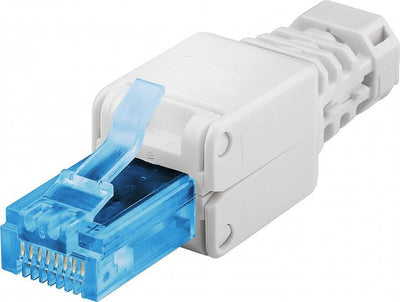
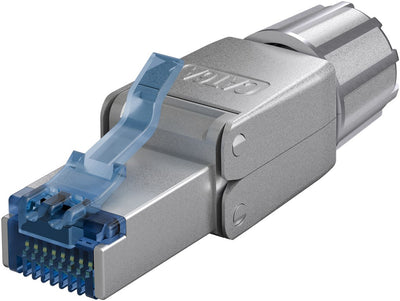
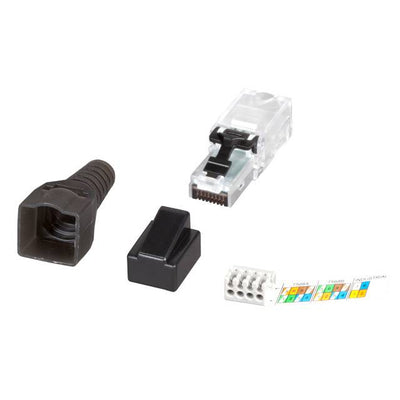
RJ45 toolless connectors are useful when you don't have special tools on hand
-
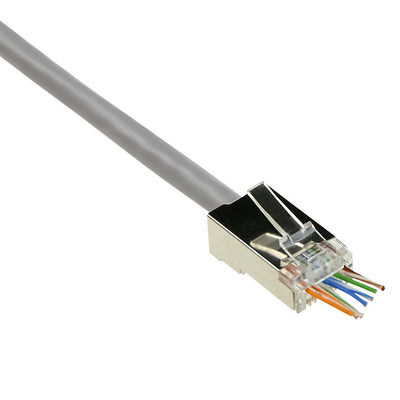
Field plug connectors are suitable for situations where flexibility and reusability are important
-
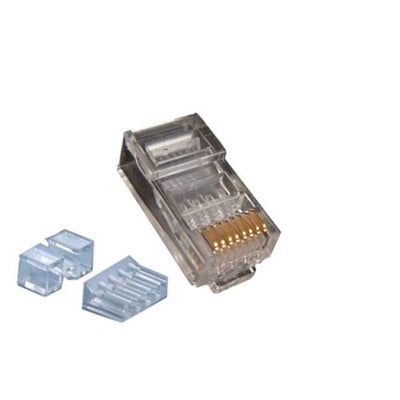
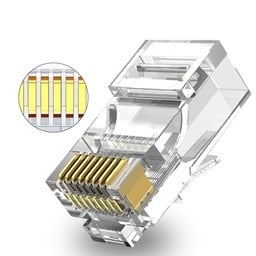
UTP connectors have no shielding and are intended for interference-free environments
-
STP connectors are shielded and are used in environments with a lot of equipment
Also pay attention to the core of the cable. There are connectors for flexible cables with flexible cores and for stiffer cables with solid cores. Always choose a connector that fits well with the type of core and diameter of your cable.
How to connect a Cat6a connector
A proper connection is essential for a good network connection. Follow these steps for a flawless installation:
-
Remove the outer part of the cable so that the wires are visible
-
Sort the veins according to color code A or B depending on your network
-
Place the wires in the connector in the correct order
-
Close the connector with a crimping tool or pressure mechanism depending on the type
-
Test the connection with a network cable tester
No special tools are required for toolless or field plug variants. These connectors are quick and easy to fit and ideal for on-site mounting.
What to look for when purchasing
When choosing the right Cat6a connector, several factors play a role. Pay attention to the following points:
-
The cable core type must match the connector
-
Check if the connector is suitable for the diameter of your cable
-
Determine whether you need a shielded or unshielded variant
-
Choose a toolless version for quick installation without tools
These factors determine whether the connector functions optimally within your network setup. Incorrect combinations can lead to connection problems.
Answers to frequently asked questions
Can a Cat6a connector also be used for Cat6 cables?
Yes, in many cases this is possible. Please note that the diameter and core of the vein must match.
Can I reuse a connector?
Some toolless or field plug variants are reusable. With standard RJ45 connectors this is usually not possible
What is the biggest mistake during assembly?
Incorrect order of the cores or incorrect crimping. This leads to unstable connections
Overview of species and properties
|
Connector type |
Suitable for vein type |
Shielding |
Mounting method |
|
RJ45 UTP |
Rigid or flexible |
No |
Crimping pliers |
|
RJ45 STP |
Rigid or flexible |
Yes |
Crimping pliers |
|
Toolless |
Flexible |
Optional |
Manually |
|
Field plug |
Stubborn |
Yes |
Screw clamp |
Signal quality and shielding
A shielded connector protects the signal from outside interference. This prevents sources of interference such as power cables or equipment from affecting your network. In combination with a shielded Cat6a cable, the connection remains stable, even at higher speeds and long distances.
Order without hassle
Ready to upgrade your network with reliable connectors for every situation? Check out the assortment in the Cat6a connectors category. You will find toolless, field plug and shielded variants, available directly from stock.
Want to know more or need something else? Then also check out:
Do you have any questions or do you want to be sure that you choose the right one? Feel free to contact us. Our specialists will think along with you.
- Cat6a + Cat7
- STP standard
- Stranded + Solid cable
- Cat6a
- STP head-through (easy plug)
- Stranded + Solid cable (AWG 22 - 24)
- Cat6a + Cat7
- UTP standard
- Stranded + Solid cable
- Cat6a + Cat7
- STP Toolless
- Stranded + Solid cable
- Cat6A
- STP Toolless
- Flexible + stiff cable
- Cat8.1
- STP Toolless
- Stranded + Solid cable
- Cat6a + Cat7
- STP standard
- Stranded + Solid cable
- Cat6a + Cat7
- STP standard
- Stranded + Solid cable
- Cat6a + Cat7
- UTP standard
- Stranded + Solid cable
- Cat6a + Cat7 + Cat8.1
- STP standard
- Stranded + Solid cable
- Cat6a + Cat7
- UTP Toolless
- Stranded + Solid cable
- CAT6a/CAT7/CAT7a/CAT8.1
- STP (shielded)
- Cable with solid core
- Cat6a + Cat7
- UTP standard
- Stranded + Solid cable
- Cat6a + Cat7
- STP Toolless (tool-free)
- Flexible + stiff cable
- Cat6a + Cat7
- UTP Toolless
- Stranded + Solid cable
Cat6a connector / Cat6a connectoren
Wat een Cat6a connector is
Een Cat6a connector is het verbindingsstuk tussen een netwerkkabel en bijvoorbeeld een router, switch of wandcontactdoos. Deze connector werkt optimaal in combinatie met Cat6a kabels en zorgt voor hoge snelheden en minimale storingen. Dankzij de verbeterde afscherming is hij bestand tegen elektromagnetische invloeden.
Verschil tussen Cat5 Cat6 en Cat6a
Elke categorie kabel en connector heeft zijn eigen kenmerken. Cat5 is geschikt voor netwerken tot 100 megabit. Cat6 ondersteunt gigabit netwerken tot 1 gigabit per seconde en is geschikt voor kortere afstanden. Cat6a is de verbeterde versie met ondersteuning tot 10 gigabit per seconde over 100 meter. Ook is de afscherming beter, wat zorgt voor een stabieler signaal bij hogere snelheden. Dit maakt Cat6a bijzonder geschikt voor drukke netwerkomgevingen of zakelijke toepassingen.
Welke Cat6a connectors er zijn
Er zijn meerdere soorten Cat6a connectors. Zo kies je de juiste variant:
- RJ45 toolless connectoren zijn handig wanneer je geen speciaal gereedschap bij de hand hebt
- Field plug connectors zijn geschikt voor situaties waar flexibiliteit en herbruikbaarheid belangrijk zijn
- UTP connectors hebben geen afscherming en zijn bedoeld voor storingsvrije omgevingen
- STP connectors zijn wel afgeschermd en worden gebruikt in omgevingen met veel apparatuur
Let ook op de kern van de kabel. Er zijn connectors voor flexibele kabels met soepele aders en voor stuggere kabels met massieve aders. Kies altijd een connector die goed aansluit op het type kern en diameter van je kabel.
Hoe je een Cat6a connector aansluit
Een correcte aansluiting is essentieel voor een goede netwerkverbinding. Volg deze stappen voor een foutloze installatie:
- Verwijder het buitenste deel van de kabel zodat de aders zichtbaar zijn
- Sorteer de aders volgens kleurcode A of B afhankelijk van je netwerk
- Plaats de aders in de juiste volgorde in de connector
- Sluit de connector met een krimptang of drukmechanisme afhankelijk van het type
- Test de verbinding met een netwerkkabel tester
Voor toolless of field plug varianten is geen speciaal gereedschap nodig. Deze connectors zijn snel en eenvoudig te plaatsen en ideaal voor montage op locatie.
Waar je op let bij aankoop
Bij het kiezen van de juiste Cat6a connector spelen meerdere factoren een rol. Let op de volgende punten:
- Het type aderkern van de kabel moet overeenkomen met de connector
- Controleer of de connector geschikt is voor de diameter van je kabel
- Bepaal of je een afgeschermde of niet-afgeschermde variant nodig hebt
- Kies een toolless versie voor snelle installatie zonder gereedschap
Deze factoren bepalen of de connector optimaal functioneert binnen jouw netwerkopstelling. Onjuiste combinaties kunnen leiden tot verbindingsproblemen.
Antwoorden op veelgestelde vragen
Is een Cat6a connector ook bruikbaar voor Cat6 kabels
Ja, in veel gevallen kan dat. Let wel op dat de diameter en aderkern overeenkomen
Kan ik een connector hergebruiken
Sommige toolless of field plug varianten zijn herbruikbaar. Bij standaard RJ45 connectors is dat meestal niet mogelijk
Wat is de grootste fout bij montage
Een verkeerde volgorde van de aders of onjuiste krimping. Dit leidt tot instabiele verbindingen
Overzicht van soorten en eigenschappen
- RJ45 UTP – Geschikt voor adertype: Stug of flexibel, Afscherming: Geen, Montagewijze: Krimptang
- RJ45 STP – Geschikt voor adertype: Stug of flexibel, Afscherming: Ja, Montagewijze: Krimptang
- Toolless – Geschikt voor adertype: Flexibel, Afscherming: Optioneel, Montagewijze: Handmatig
- Field plug – Geschikt voor adertype: Stug, Afscherming: Ja, Montagewijze: Schroefklem
Signaalkwaliteit en afscherming
Een afgeschermde connector beschermt het signaal tegen interferentie van buitenaf. Dit voorkomt dat storingsbronnen zoals stroomkabels of apparatuur invloed hebben op je netwerk. In combinatie met een afgeschermde Cat6a kabel blijft de verbinding stabiel, ook bij hogere snelheden en lange afstanden.
Bestellen zonder gedoe
Klaar om jouw netwerk te upgraden met betrouwbare connectors voor elke situatie? Bekijk het assortiment in de categorie Cat6a connectoren. Je vindt er toolless, field plug en afgeschermde varianten, direct uit voorraad leverbaar.
Meer weten of iets anders nodig? Bekijk dan ook:
Heb je vragen of wil je zeker weten dat je de juiste kiest? Neem gerust contact met ons op. Onze specialisten denken met je mee.